
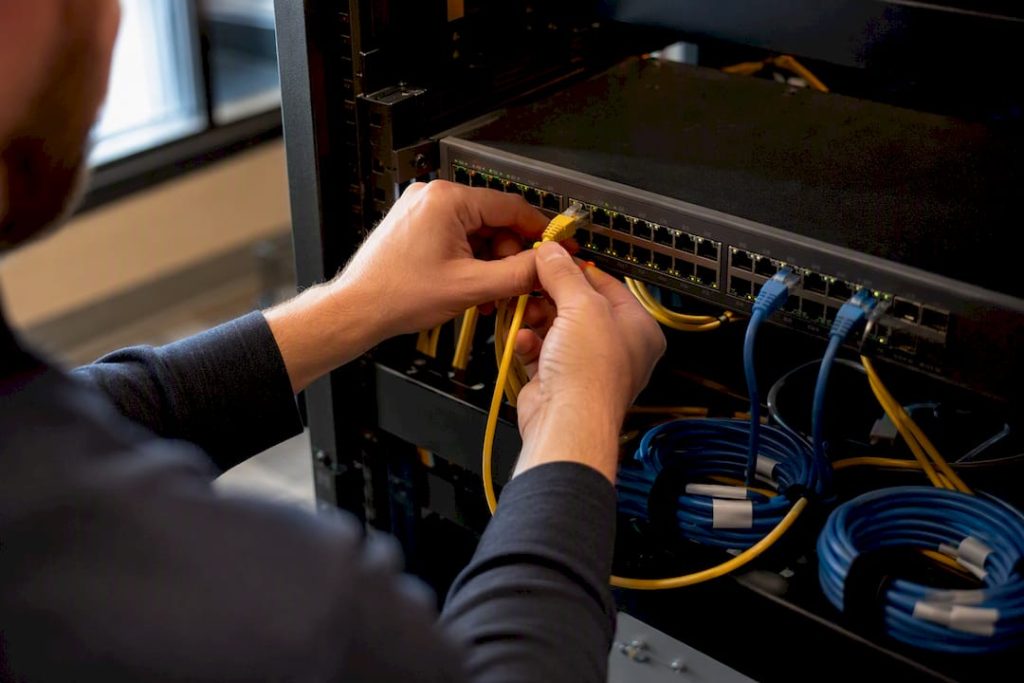
The right approach for a small office network setup is a compact, business-grade stack: ISP handoff into a managed firewall or router, then into a managed PoE switch, then out to ceiling-mounted access points and wired drops segmented by VLAN. If you do nothing else after reading this, do this: pick a business-grade gateway and a managed PoE switch sized for the devices you have today, plus real headroom for growth.
That single decision shapes everything downstream, from security to Wi-Fi performance to how painful your next expansion will be.
- Gateway: stateful firewall, VPN server, VLAN routing
- Switch: managed, PoE, sized with spare ports and wattage
- Wireless: WPA3, ceiling-mounted APs, guest network isolated by VLAN
- Cabling: Cat6A where you can afford it, especially on uplinks
A realistic installed budget for a 20-person office running this stack lands around $6,500 to $11,000, covering hardware, cabling, and labor. That range is your planning anchor. If your quotes come in wildly outside it, ask why before you sign anything.
Key Takeaways
A reliable small office network setup combines a business-grade gateway, a managed PoE switch, VLAN segmentation, and ceiling-mounted access points running WPA3.
| Point | Details |
|---|---|
| Start with the right topology | ISP handoff to managed firewall to managed PoE switch to APs and wired drops, segmented by VLAN. |
| Skip consumer routers | Business-grade gateways offer VLAN support, stateful firewalls, and VPN servers that home routers lack. |
| Budget realistically | A 20-seat office typically costs $6,500 to $11,000 installed for hardware, cabling, and labor. |
| Segment traffic by VLAN | Separate employee, voice, guest, and IoT/camera traffic to contain security incidents. |
| Know when to call for help | Mavericks Office Solutions provides local managed IT, 24/7 monitoring, and help-desk support when complexity outgrows DIY. |
Table of Contents
- How Do You Set Up a Small Office Network?
- What Does a Small Office Network Topology Look Like?
- What Are the Steps to Install a Small Office Network?
- What Security Steps Should You Take First?
- How Should You Plan Cabling and PoE Capacity?
- How Much Does a Small Office Network Cost?
- When Should You Hire a Managed IT Provider Instead of DIY?
- How Mavericks Office Solutions Handles Your Network Setup
- Frequently Asked Questions
- Sources
How Do You Set Up a Small Office Network?
A working small business network setup starts with a hardware checklist, not a shopping spree. Buy the wrong gateway or an undersized switch and you will be replacing it within eighteen months, usually right when you can least afford the disruption.
Here is the minimum business-grade equipment list:
- Gateway/firewall: stateful firewall, built-in VPN server, VLAN support, and ideally dual-WAN failover
- Managed PoE switch: enough ports for current devices plus 30% headroom, with a PoE budget that covers every access point, phone, and camera you plan to power
- Ceiling-mounted access points: Wi-Fi 6 at minimum, Wi-Fi 6E or 7 if your office runs video-heavy applications
- UPS: keeps the gateway and switch alive through short outages so a blip doesn’t take down your phones
- Patch panel and rack or wall-mount enclosure: keeps cabling organized and serviceable
Three vendor ecosystems dominate this category for small offices: Cisco Meraki, Ubiquiti UniFi, and TP-Link Omada. Each offers cloud-managed switches, gateways, and access points that work together, which matters more than it sounds. Mixing brands can work, but a single-vendor stack usually means smoother roaming between access points and one dashboard instead of three.
Pro Tip: Add up the wattage of every powered device you plan to connect, then buy a switch with at least 30% more PoE budget than that number. Cameras and Wi-Fi 6E access points draw more power than people expect, and running out of PoE headroom mid-project means an unplanned switch swap.
What Does a Small Office Network Topology Look Like?
Picture the traffic flow as a straight line: ISP demarc into your gateway/firewall, into your main managed PoE switch, then out to access points, desk phones, servers, and a patch panel feeding individual desks. This layout, described in general small-business networking guides, keeps troubleshooting simple because every device has one obvious upstream path to check when something breaks.
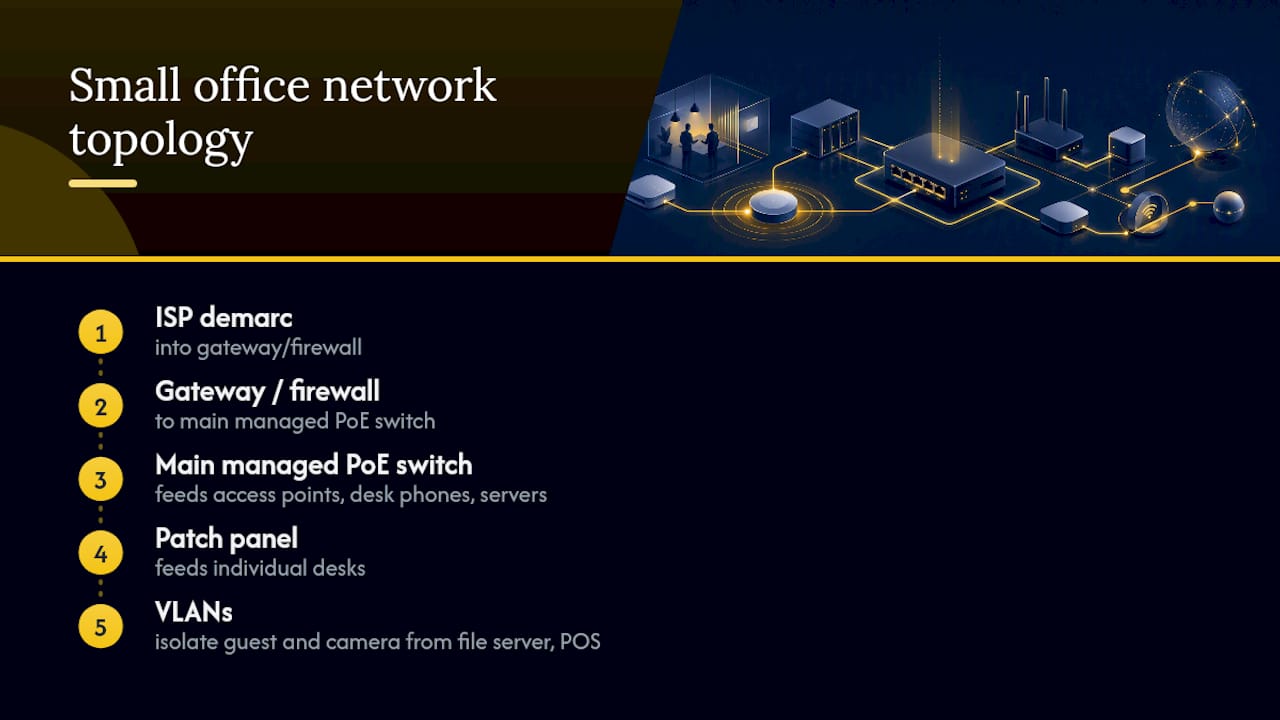
The segmentation happens through VLANs. A typical small office network design guide uses something close to this:
Reference architectures for small-office networks separate traffic this way specifically so a compromised guest device or a vulnerable camera can’t reach your file server or point-of-sale system.
What Are the Steps to Install a Small Office Network?
Setting up office routers, switches, and access points in the right order saves you from redoing work. Follow this sequence:
- Survey and inventory. Count devices, map desk locations, and identify where APs need ceiling mounts for coverage.
- Order circuits and approvals early. ISP circuit installs and landlord approvals for cabling runs are often the longest lead time in the entire project, sometimes stretching to weeks or months.
- Install physical infrastructure. Mount the rack and UPS, run and terminate cable, install the patch panel, mount access points, and label every cable and port.
- Configure the gateway. Set the base configuration, WAN failover if applicable, and initial firewall policy.
- Build VLANs and DHCP scopes. Create each VLAN, assign subnets, and configure DHCP for each segment.
- Configure SSIDs and security. Set up staff and guest SSIDs with WPA3, mapping each to its correct VLAN.
- Apply firewall rules, VPN, and QoS. Lock down inter-VLAN traffic, enable remote-access VPN, and prioritize voice and video traffic.
- Test and verify. Check Wi-Fi coverage and throughput, confirm VLAN isolation actually blocks cross-traffic, and test your failover connection if you have one.
- Document and hand off. Deliver a network diagram, VLAN table, and admin credentials to whoever will maintain the system.
This general sequence, echoed in office network infrastructure checklists, exists because skipping steps out of order almost always means retracing them later at a higher cost.
Pro Tip: Order your ISP circuit the day you sign a lease or decide to move, not the week before your installer shows up. Circuit lead times are the most common reason small office network projects slip their timeline.
What Security Steps Should You Take First?
Security for a small office network setup isn’t a separate project bolted on afterward. It’s built into the same decisions you make about the gateway and Wi-Fi.
- Enable a stateful firewall with inbound traffic blocked by default, and log security-relevant events
- Set up a client VPN (WireGuard, OpenVPN, or IPsec) for remote workers, or consider a zero trust network access approach for application-level control
- Use WPA3 on your staff SSID; keep guest Wi-Fi on a separate SSID with client isolation and bandwidth limits, an approach detailed in Meraki’s small-office reference architecture
- Consider RADIUS authentication if you need to tie Wi-Fi access to individual user credentials rather than a shared password
- Patch firmware on a set schedule, use strong unique admin passwords (a business password manager helps here), and back up any local servers regularly
Consumer-grade routers, the kind sold for home use, generally lack the intrusion detection, VPN robustness, and management interfaces a growing business needs, and their firmware update lifecycles tend to be much shorter than business-grade equipment.
Pro Tip: If your “firewall” came bundled with a consumer internet plan and has no VLAN option in its settings menu, it’s not a business firewall. Replace it before you build anything else on top of it.
How Should You Plan Cabling and PoE Capacity?
Cat6 handles most desk drops fine for years to come, but Cat6A earns its higher cost on uplinks and backbone runs between switches, where bandwidth demand grows fastest. Run at least one extra drop per desk if your budget allows; it’s far cheaper during initial construction than adding one later.
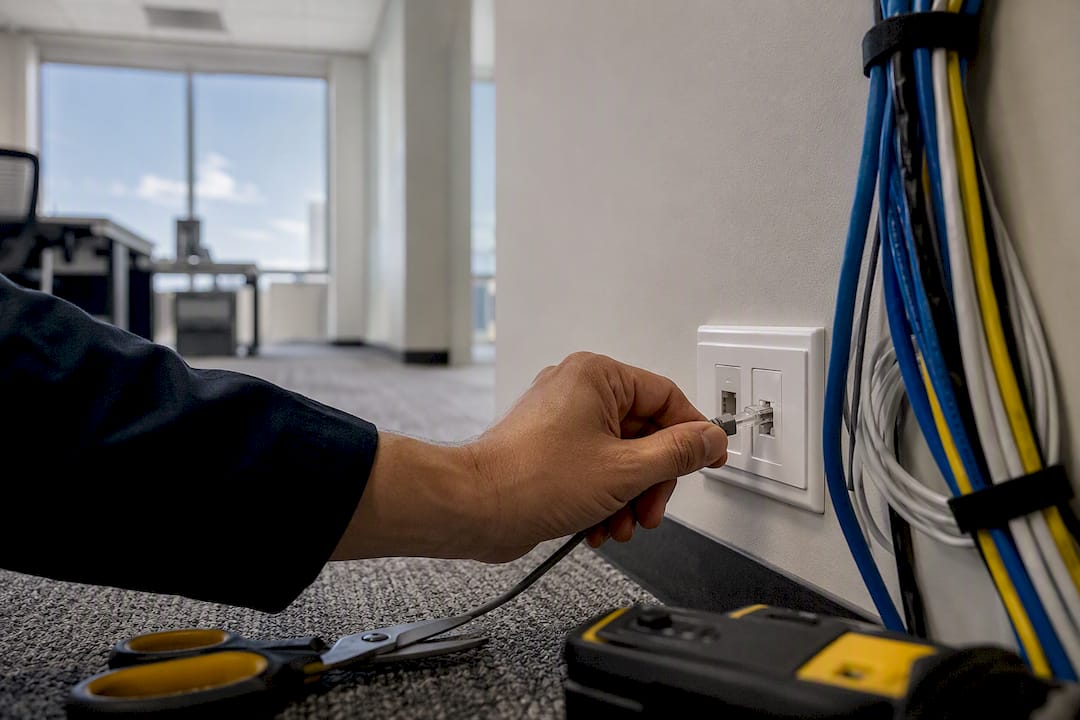
For PoE, add up the wattage draw of every access point, VoIP phone, and camera on the network, then choose a switch with meaningfully more PoE budget than that total. A managed Layer 2 switch handles VLANs fine for most small offices; only step up to Layer 3 switching if you’re running many VLANs or a large user count that needs inter-VLAN routing at the switch itself. This mirrors the hybrid wired/wireless logic Microsoft outlines for small business networks: hardwire what’s fixed, go wireless for what moves.
Pro Tip: Label both ends of every cable run and every patch panel port during install, not after. Keep your UPS and core switch off the floor and away from anything that could flood or overheat.
How Much Does a Small Office Network Cost?
Sizing follows headcount closely enough to plan around. One access point typically covers 1,500 to 2,500 square feet in a normal-density office; conference rooms and areas with heavy video conferencing need denser coverage.
- 10 seats: one gateway, an 8 to 16 port PoE switch, 1 to 2 APs
- 20 seats: one gateway, a 24 port PoE switch, 2 to 3 APs, dedicated patch panel
- 30 seats: one gateway (possibly dual-WAN), a 48 port PoE switch or stacked switches, 3 to 4 APs
Installed budgets scale with those numbers. A 20-person build commonly runs $6,500 to $11,000 all-in, covering hardware, cabling, and labor. What pushes that number up: new cable drops in an older building, after-hours installation to avoid disrupting staff, and higher-end Wi-Fi 6E or 7 access points. DIY installs for simple sites can take 1 to 2 days, while professional installs with full cabling and testing usually run 3 to 5 days.
If you’re budgeting network costs alongside other startup or growth expenses, general small-business cost-saving practices can help you prioritize where to spend versus where to phase work over time.
When Should You Hire a Managed IT Provider Instead of DIY?
DIY makes sense for a simple, single-VLAN office with no compliance requirements and someone on staff who’s comfortable in a switch’s admin console. Past that, the math usually flips.
Consider a managed provider when you have:
- Multiple VLANs, VoIP, cameras, or a point-of-sale system running together
- Compliance requirements around data handling or payment processing
- No internal IT staff, or staff whose time is worth more doing other work
- Uptime expectations that a weekend outage would genuinely hurt
A managed IT provider typically supplies proactive monitoring, scheduled patching, a single point of contact for troubleshooting, and a help desk that catches problems before they become outages. That shifts risk off your plate and off your calendar.
Mavericks Office Solutions offers exactly this as a local option: managed IT, 24/7 monitoring, and a USA-based help desk with response times averaging under 12 minutes, without the offshore call-center runaround many providers rely on.
A practical note on getting this right the first time
Most network problems trace back to under-speccing at install, not equipment failure. My recommendation: build the simplest managed stack that covers your VLANs and security needs, then document it thoroughly. Mavericks Office Solutions can help scope or manage that build if you’d rather not carry it alone.
How Mavericks Office Solutions Handles Your Network Setup
Mavericks Office Solutions gives you one local team for the parts of this project that usually get outsourced separately: network design and cabling, managed firewall and switch configuration, VoIP setup, and the 24/7 monitoring that catches a failing switch before it takes down your whole office. That’s the practical advantage over piecing together a DIY build and hoping it holds. Instead of researching VLAN configs at midnight or waiting on hold with an offshore support line, you get a USA-based help desk that answers in about 12 minutes on average.

If you’re planning a new office, expanding, or just tired of a network that breaks under normal use, request a network assessment from Mavericks Office Solutions and get a specific plan and quote for your space, not a generic estimate. It’s the fastest way to find out exactly what your setup needs before you spend a dollar on hardware.
Frequently Asked Questions
What is the minimum equipment needed for a small office network setup?
You need a business-grade gateway/firewall, a managed PoE switch, and at least one business-class wireless access point. Add a UPS and patch panel once you have more than a handful of wired devices.
Do I need VLANs for a small office?
Yes, once you have more than one type of traffic to protect: guest Wi-Fi, VoIP phones, cameras, or a point-of-sale system all benefit from being isolated on their own VLAN.
Is Wi-Fi 6 enough for a small office, or do I need Wi-Fi 6E or 7?
Wi-Fi 6 covers most small offices fine. Consider 6E or 7 only if you run heavy video conferencing across many simultaneous users.
Cat6 or Cat6A for office cabling?
Cat6 works for most desk drops. Use Cat6A on switch-to-switch uplinks and backbone runs where bandwidth demand will grow fastest over time.
When does it make sense to hire managed IT instead of doing it yourself?
Once you’re running multiple VLANs, VoIP, cameras, or compliance requirements, or you simply lack staff time to maintain the network, a managed provider like Mavericks Office Solutions usually costs less than the risk of an unmanaged outage.
Sources
- Set up your small business network – Microsoft Learn
- Meraki reference architecture – Small Office Business – Meraki Documentation
- Small Business Network Design Guide (2026) – Data Wire Solutions