
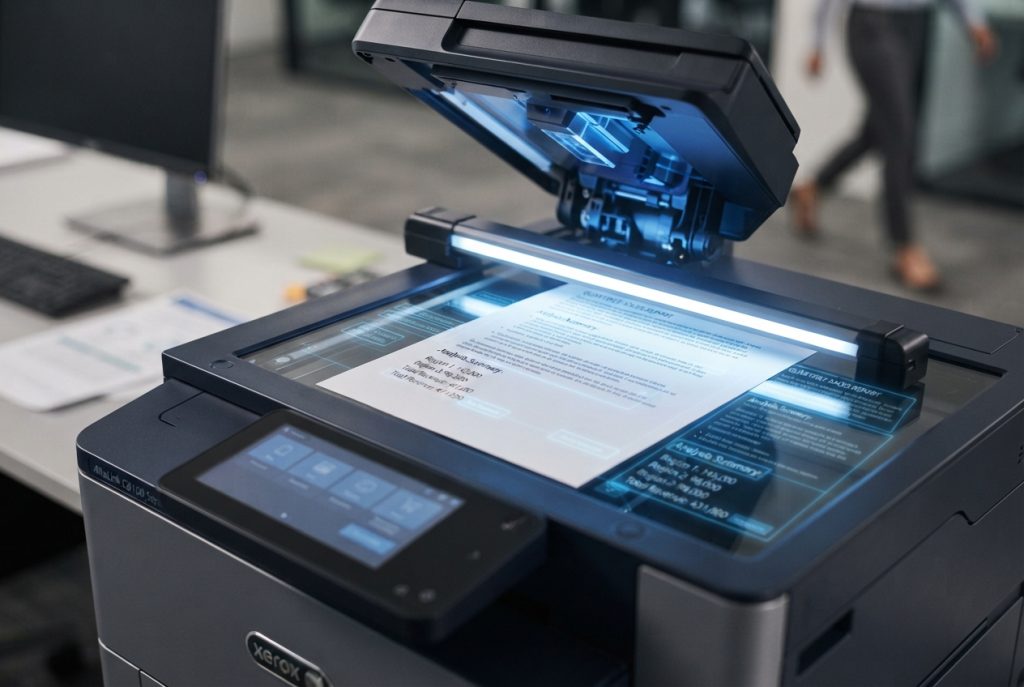
Your office copier does a lot more than make copies. Modern Xerox multifunction printers (MFPs) come equipped with Optical Character Recognition (OCR) technology that can transform how your business handles documents.
What Is OCR?
OCR converts scanned images of text — from paper documents, PDFs, or photographs — into searchable, editable digital text. Instead of scanning a contract and getting a flat image file, OCR produces a document where every word is recognized, searchable, and extractable.
How Xerox Copiers Use OCR
Xerox integrates OCR directly into their ConnectKey-enabled MFPs. This means you can:
- Scan to searchable PDF — every document you scan becomes fully text-searchable. Find any invoice, contract, or form in seconds instead of flipping through folders.
- Scan to editable formats — convert paper documents directly to Word (.docx) or Excel (.xlsx) files. Need to update an old contract that only exists on paper? Scan it and edit it immediately.
- Automated workflows — use Xerox ConnectKey apps to scan documents and automatically route them to specific folders, email addresses, or cloud storage based on content. An invoice gets scanned and automatically filed in your accounting folder.
- Data extraction — pull specific data points from forms and documents automatically, eliminating manual data entry.
Real-World Applications
Accounts payable: Scan incoming invoices. OCR extracts the vendor name, invoice number, amount, and due date. The data flows into your accounting system without anyone typing a single number.
Human resources: Digitize employee files, applications, and compliance documents. Every page becomes searchable — find any employee’s W-4 or signed policy acknowledgment in seconds.
Legal and compliance: Convert filing cabinets of contracts and agreements into a searchable digital archive. Never lose a document again.
Healthcare: Digitize patient intake forms and insurance documents with HIPAA-compliant scanning workflows.
Why It Matters for Your Business
The average office worker spends 2.5 hours per day searching for information. OCR-enabled scanning dramatically reduces that time. Documents are findable, shareable, and backed up in the cloud — not buried in a filing cabinet.
If your current copier just makes copies and basic scans, you’re missing out on technology that can save your team hours every week. Talk to Mavericks about upgrading to a Xerox MFP with built-in OCR and ConnectKey apps.