

For most Ohio small and medium businesses, UiPath is the safer starting point — its monthly licensing model, deep governance tooling via Orchestrator, and mature document understanding pipeline make pilots more predictable. Automation Anywhere is the stronger pick when your existing infrastructure runs on Google Cloud or when your workloads are bursty and intermittent rather than continuous. Either way, the platform choice matters less than the governance framework you build around it.
TL;DR for SMB owners:
- UiPath fits regulated, document-heavy, or continuous-automation workflows with a need for budget predictability.
- Automation Anywhere fits Google Cloud-native stacks and burst-consumption use cases.
- Mavericksofficesolutions handles managed implementation for Ohio SMBs, so you get a pilot into production without hiring a dedicated RPA team.
Table of Contents
- How do UiPath and Automation Anywhere actually compare?
- What each platform does and which features SMBs will actually use
- How should an SMB choose between these two platforms?
- What does RPA actually cost, and how do you run a safe pilot?
- What happens after go-live: governance, security, and monitoring
- Should you hire a managed partner for RPA implementation?
- Key Takeaways
- What Mavericksofficesolutions sees most often in SMB automation
- Useful sources and recommended reading
How do UiPath and Automation Anywhere actually compare?
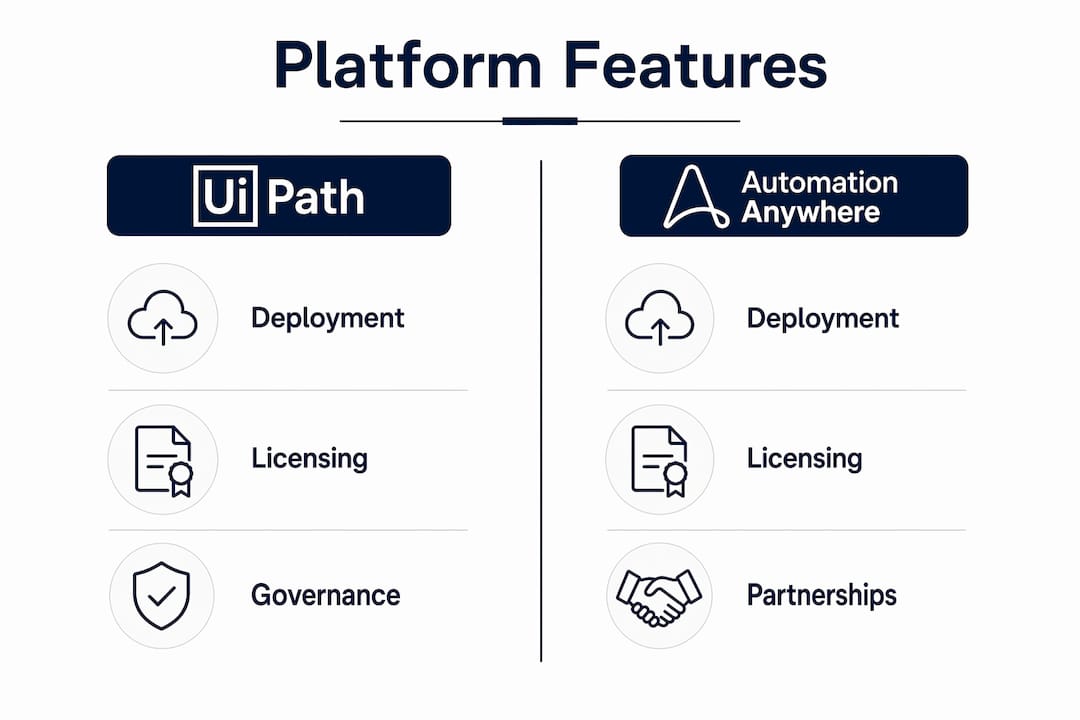
| Dimension | UiPath | Automation Anywhere |
|---|---|---|
| Deployment model | Cloud, on-prem, hybrid | Cloud-native, on-prem option |
| Pricing shape | Monthly subscription tiers | Consumption-based (automation minutes); custom quotes |
| AI/agentic capability | Agent Builder, Maestro orchestration | AI Agent Studio, Google Cloud Document AI |
| Governance/security | Orchestrator with role-based access, audit trails | Enterprise-grade, CoE tooling |
| Typical pilot timeline | 12 weeks to production | 12 weeks to production |
Three practical implications for SMB budgets:
- UiPath’s monthly model makes year-one costs easier to forecast; Automation Anywhere’s consumption pricing can save money for intermittent workloads but many mid-market organizations underestimate first-year consumption, triggering overage costs.
- Automation Anywhere’s Google Cloud partnership gives access to Document AI and Vertex AI without an in-house data science team — a real advantage if you’re already Google Workspace-heavy.
- Total cost of ownership on either platform grows quickly once you add bot runners, orchestration hosting, maintenance labor, and support contracts. Budget for the full lifecycle, not just the license.
What each platform does and which features SMBs will actually use
UiPath at a glance
| Attribute | Detail |
|---|---|
| Deployment | Cloud (Automation Cloud), on-prem (Automation Suite), hybrid |
| Licensing | Monthly subscription; enterprise pricing via sales |
| AI/agent features | Agent Builder, Maestro, Document Understanding, AI Computer Vision |
| Governance | Orchestrator (centralized bot management, scheduling, audit) |
| SMB use cases | Invoice processing, HR onboarding, compliance reporting |
UiPath’s Orchestrator is the standout for SMBs that need visibility. You can see every bot, its schedule, and its status from one dashboard — no guesswork about what’s running. Its Document Understanding pipeline has achieved straight-through processing rates above 80% on structured invoice formats in real deployments. UiPath is a public company (NYSE: PATH), which means financial disclosures are available if vendor stability matters to your procurement process.

Automation Anywhere at a glance
| Attribute | Detail |
|---|---|
| Deployment | Cloud-native; on-prem available |
| Licensing | Consumption-based (automation minutes); custom enterprise pricing |
| AI/agent features | AI Agent Studio, Automation Co-Pilot, Document Automation, Process Discovery |
| Governance | Mozart Orchestrator, Bot Store marketplace |
| SMB use cases | Accounts payable, customer onboarding, finance operations |
Automation Anywhere’s Google Cloud partnership is its clearest differentiator for SMBs without a data science team. Its Bot Store also offers pre-built bots for common business functions, which can shorten time-to-value on a first pilot. The platform is privately held, giving it more product flexibility but less public financial transparency than UiPath.
On agentic AI: Both platforms offer agentic features, but practical deployment remains complex and requires human-in-the-loop configuration to be reliable. Scope AI features conservatively in your first pilot.
How should an SMB choose between these two platforms?
The single most important factor is IT stack fit. The platform that connects cleanly to your existing systems will cost less to implement and maintain than the “better” platform that requires custom connectors everywhere.
Evaluation checklist:
- Map your current stack: ERP, CRM, accounting software, cloud provider. Does either platform have a native connector?
- Assess governance maturity: Do you have a process owner who can maintain automations after go-live?
- Identify process stability: Automate processes that change rarely. Fragile, frequently-updated workflows break bots.
- Forecast consumption: If your automation runs 24/7, a subscription model is more predictable. If it runs in bursts, consumption pricing may save money — but model it carefully.
- Check internal capacity: Who will handle bot maintenance, exception handling, and upgrades?
- Confirm partner availability: Is there a certified implementation partner in your region?
Questions to ask vendors during procurement:
- What is the all-in cost for 5 unattended bots, including orchestration and support?
- How are consumption overages billed, and what triggers them?
- What audit trail and role-based access controls are included at our tier?
Red flags to watch for:
- No published pricing beyond the entry tier (makes budgeting nearly impossible)
- Consumption models with no cap or alert mechanism
- Implementation partner with no SMB references
Pro Tip: Mavericksofficesolutions runs a technical audit before any pilot engagement. This maps your IT stack, identifies integration gaps, and produces a realistic consumption estimate — so you enter vendor negotiations with actual numbers, not guesses. Learn more about evaluating technology partners before signing anything.
What does RPA actually cost, and how do you run a safe pilot?
Pricing surprises come from items that aren’t in the headline license: bot runners, orchestration hosting, infrastructure, consumption overages, and support contracts. TCO calculations must include all of these, and SMBs routinely underbudget year-one costs by 20–40%.
Pilot timeline (weeks 0–12):
- Weeks 0–2: Process selection and documentation. Pick one stable, high-volume process. Define success metrics before writing a single line of automation.
- Weeks 3–5: Environment setup, licensing, and integration testing. Validate connectors against your live systems.
- Weeks 6–9: Bot development and user acceptance testing. Include exception handling from day one.
- Weeks 10–12: Production deployment, monitoring setup, and first performance review.
Pilot success metrics:
| Metric | Target |
|---|---|
| Straight-through processing rate | >80% for structured documents |
| Error rate vs. manual baseline | significant reduction |
| Bot uptime | high automation uptime during business hours |
| ROI payback period | Within 12 months of go-live |
| Exception handling rate | <10% of total transactions |
What happens after go-live: governance, security, and monitoring
Governance and monitoring determine whether your automations stay reliable at scale. A bot that runs perfectly for three months and then silently fails because an upstream UI changed is worse than no automation at all.
RACI for operational ownership:
| Activity | Developer | IT/Ops | Business Owner | Managed Partner |
|---|---|---|---|---|
| Bot maintenance & patching | R | C | I | A |
| Exception monitoring | I | R | C | A |
| Access control & audit | C | R | I | A |
| Process change management | C | I | R | A |
Security and compliance checklist:
- Role-based access controls configured before go-live
- Audit trails enabled for all bot activity
- Credential vaulting (no hardcoded passwords in bot scripts)
- Patching schedule defined for both the RPA platform and underlying OS
- Data residency confirmed for any cloud-hosted orchestration
Monitoring essentials include bot run logs, exception alerts, and a defined runbook for common failure modes. If you’re adopting AI features, review common AI cybersecurity mistakes before production deployment. A lightweight Center of Excellence (CoE) pattern works well for SMBs: a small cross-functional team paired with a managed-service partner handles operations while your team retains control over process decisions.
Should you hire a managed partner for RPA implementation?
If your internal IT team is already stretched, your consumption risk is hard to model, or you operate in a regulated industry, a managed partner is the lower-risk path. You get implementation expertise, ongoing monitoring, and a defined escalation path without hiring a full-time RPA developer.
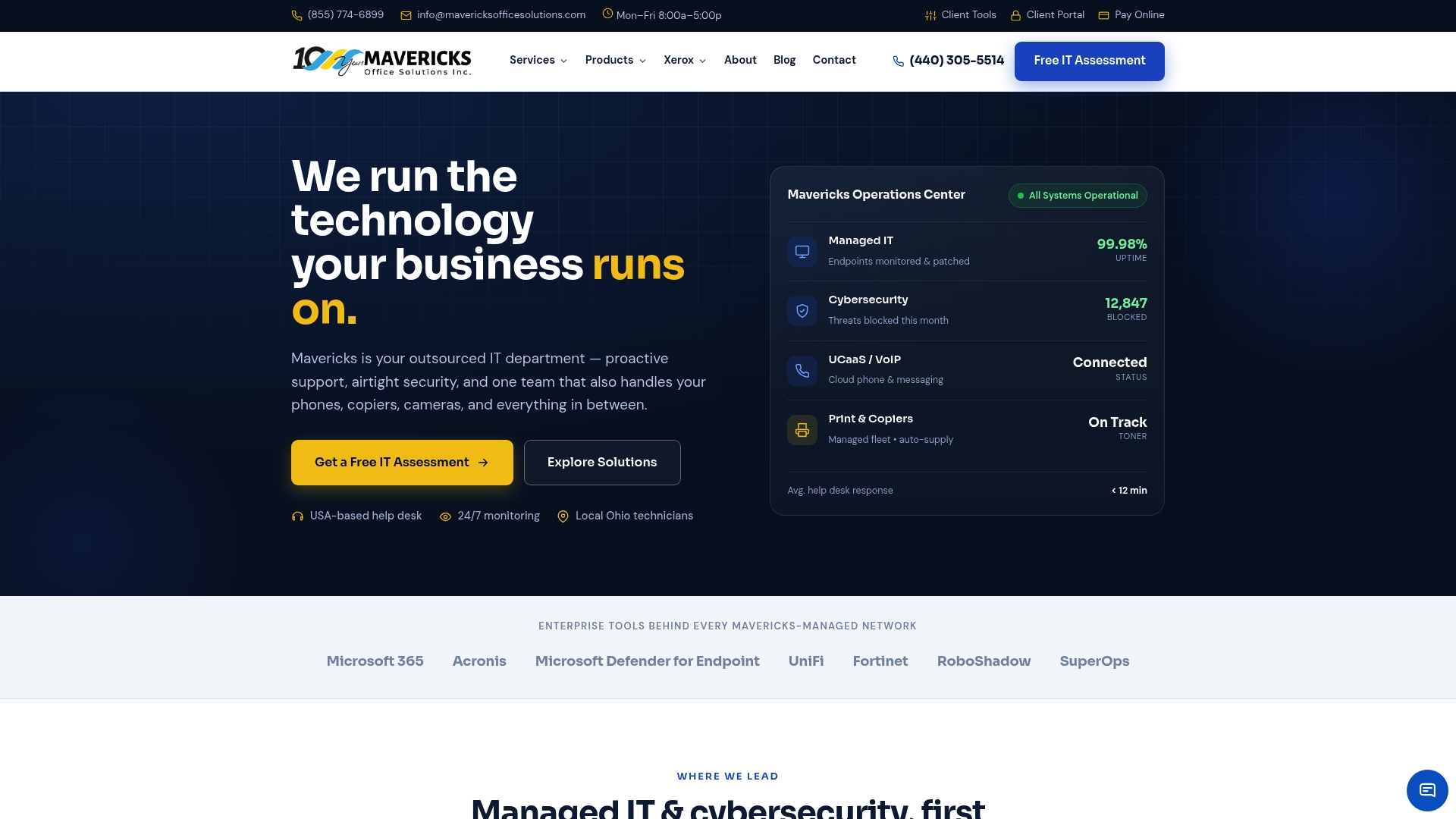
Mavericksofficesolutions offers Ohio SMBs a complete managed path to RPA production:
- Managed IT services covering infrastructure, monitoring, and help-desk support with an average response time under 12 minutes
- Robotics and workplace automation implementation from pilot scoping through production go-live
- Cybersecurity services to secure production automations and meet compliance requirements
- Fractional IT leadership for SMBs that need a technical CoE without a full-time hire
Typical managed engagement timeline: technical audit in week 1, pilot scoping by week 2, bot development weeks 3–9, production go-live by week 12, ongoing monitoring from month 2 forward.
Pro Tip: Before committing to a platform license, request a technical audit to validate your stack fit, consumption model, and governance readiness. Mavericksofficesolutions provides this as the first step of every engagement — it’s how we prevent the budget surprises that derail most SMB automation projects.
Key Takeaways
For Ohio SMBs, the platform choice between UiPath and Automation Anywhere matters far less than the governance framework, IT stack fit, and whether you have a managed partner to keep automations running reliably after go-live.
| Point | Details |
|---|---|
| UiPath fits most SMBs first | Monthly licensing and Orchestrator governance make pilots more predictable for regulated or document-heavy workflows. |
| Automation Anywhere suits burst workloads | Consumption pricing saves money for intermittent automation, but model first-year usage carefully to avoid overages. |
| TCO exceeds the license cost | Budget for bot runners, orchestration, maintenance labor, and support — SMBs routinely underestimate year-one costs by 20–40%. |
| Governance beats features | Role-based access, audit trails, and a defined RACI matter more than which AI features are on the roadmap. |
| A managed partner reduces risk | Mavericksofficesolutions handles pilot-to-production for Ohio SMBs with under-12-minute help-desk response and local US support. |
What Mavericksofficesolutions sees most often in SMB automation
Most SMB automation projects don’t fail because the team chose the wrong platform. They fail because no one owned governance after go-live.
The pattern repeats: a business selects a platform based on a vendor demo, runs a successful pilot with a consultant, and then watches the bots degrade over the following six months as upstream systems change and no one has a clear responsibility to fix them. Shifting to a managed-service model with a defined RACI and a monitoring runbook is what turns a promising pilot into a durable production system.
If you’re an Ohio business owner evaluating RPA, the most useful first step isn’t a platform demo. It’s a technical audit that maps your stack, models your consumption, and identifies who will own operations after the vendor leaves. That’s exactly where Mavericksofficesolutions starts every engagement. Reach out here to schedule yours.
Useful sources and recommended reading
- UiPath vs. Automation Anywhere: why the platform isn’t your real decision — governance-first framework for RPA procurement
- UiPath vs Power Automate vs Automation Anywhere 2026 — mid-market pricing and feature comparison
- Automation Anywhere vs UiPath: Which is Better in 2026? — side-by-side ratings and use-case guidance
- Gartner Peer Insights: Automation Anywhere vs UiPath — verified user ratings across RPA and IDP markets
- Mavericksofficesolutions Managed IT Services — Ohio SMB managed IT and RPA implementation
- Mavericksofficesolutions Cybersecurity — securing production automations and compliance readiness